Tips for Maximizing The Lifespan Of Your Laptop

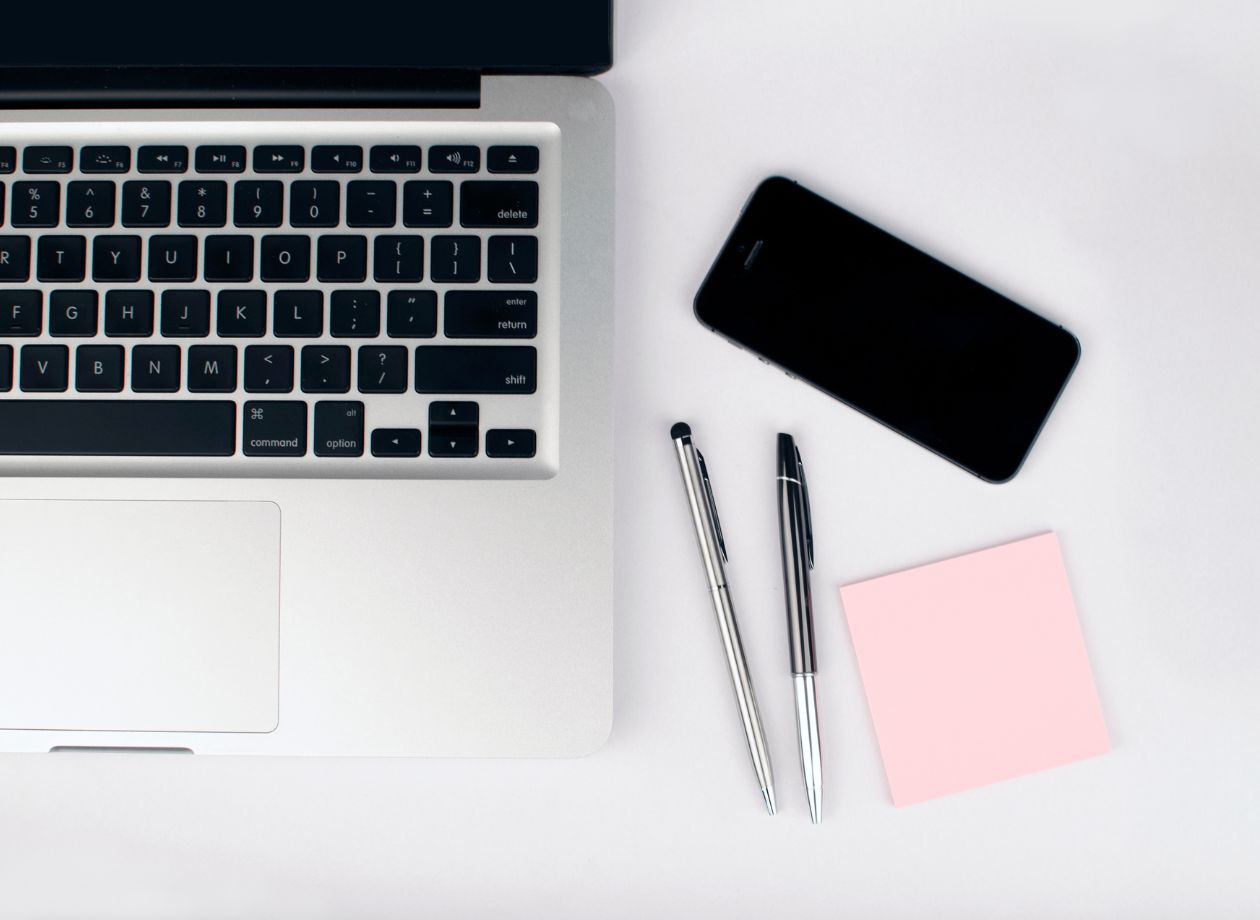
In today’s world, we all require laptops for both personal and professional use. Basically, they are obligatory devices. However, because they are quite expensive, it is important to maintain and take care of them so that you save the repair costs and things remain functional.
Careless and unattentive behavior with your laptop can easily lead to damage, which can result in either spending money on new parts or even on a new device completely. So, you must follow some rules and regulations so as to keep your laptop safe and working.
How Fragile Are Laptops?
Actually, they are very delicate and need to be handled with care. The keyboard, touchpad, screen, and even internal components, like motherboards, cooling systems, and hard drives, can all be affected easily.
Companies like ASUS and HP test their laptops before release. The test mainly includes shatter tests, exposure to high temperature, and humidity. Many laptops endure things to a great extent while many do not. But still, even after all those tests, it is seen that accidental drops, water spills, or overheating can lead to damage and loss.
Therefore, in short words, you must accept that laptops are delicate and they need to be handled carefully.
Tips To Maximize The Lifespan Of Your Laptop
Physical Precautions
Clean It Regularly
The least that you can do for your laptop is clean it from time to time. This does not take much effort. Just grab a dry clean cloth and dust your device. Carefully use the cloth all around your laptop but do not put too much pressure. You can also use a dry cleaner for better dusting.
Remember to clean the peripheral output as well, because dust can easily sit there.
Carry Your Laptop In A Bag
It is best that you purchase a laptop bag along with your laptop. There are many bag options available in the market, and you can buy them according to your budget and comfort.
The thing is, carrying your laptop just like this means exposure to any kind of harm. It could be a liquid spill, accidental drop, or any other, but that will affect your device, thereby decreasing its lifespan.
Keep Liquid Materials Away
Any type of liquid can significantly harm your device. This is because usually when a liquid like water, coffee, or cold drink is spilled on a laptop, then small droplets enter inside through speakers, peripherals, and keyboard and cause internal short-circuits and corrosion.
Water is considered the least affecting liquid, whereas others like wine, tea, coffee, cold drinks, alcohol, etc., can cause serious harm to your device and even lead to its complete failure.
So, it is best that you keep your laptop away from the liquid stuff so that things stay safe and sound.
Try To Maintain A Cool Temperature
Laptops need to be kept at a cool temperature because they are already getting heated up while working. So, it is best to work in an air-conditioned room so as to maintain the temperature and prevent any overheating.
If, for any reason, you are not able to work in a cool atmosphere, you can invest in a laptop stand that is specially made for laptops to ensure proper ventilation.
One important thing to note here is that you should always turn off your laptop before putting in it a bag because if the system is on, the internal components keep on working and heat is produced. But, because you have kept your laptop inside the bag, ventilation is blocked and the heat is constantly accumulated inside. Now, this can easily lead to overheating issues and system failure. So, be a bit careful with this and always turn off the system before putting your laptop in an enclosed area.
Use The Laptop Carefully
The keyboard, the touchpad, and the screen, all these three areas are the most prone in any laptop. The way you use them very much defines how long your laptop will work normally without any malfunctions or issues.
So, never force things on these three areas because they are delicate and can easily get damaged. Always be gentle with the use, and you will face no problems for a long time.
Store Your Laptop Carefully
You might be a regular user or a rare one, but the way you keep your device after use also plays a big role in deciding its lifespan. So just go and check where and how you have kept your laptop. Have you kept it beside a window? Or have you kept it open just like that?
Exposure to sunlight and dust can be harmful to your device and even though you will not be able to observe the harm, it happens slowly and decreases the lifespan of your device. So, it is always better to store your laptop in a protected and secure place so that temperature, heat, or dust do not affect it.
Internal Precautions
Keep Software Updated
Whether you are a Windows user or a Mac user, keeping your software updated is very beneficial. The thing is, updates are released so that previous bugs and glitches can be fixed in the device. Also, there are many applications that do not run if you have an older software version.
You can alter your system settings and allow automatic software updates to make things more flexible. This way, you will not have to manually update things from time to time.
If you face any problem for any reason, you can call our laptop repair Dubai team to do the needful. We are a bunch of professional technicians who have years of experience in repairing laptops, so we can handle all your issues easily and without any fuss.
Maintain Your Battery Health
It is important to monitor your battery status from time to time so as to keep things working properly. Laptop batteries are an important thing, and their life can significantly decide whether your device will run for a long time or not.
There are different ways to maintain your battery health for Windows and Mac laptops, so you must go with that accordingly and make sure you are not overburdening or overdraining your laptop battery.
Give Your Laptop Rest From Time To Time
There are many sturdy workers out there who work relentlessly on their laptops without giving them any rest. Rest here means a simple shutdown. We know that people have many important things to do on a system, but if you do not shut down your laptop every once in a while, then be ready to face the consequences.
You will definitely decrease the lifespan of your laptop because the internal components are not able to rest. Although putting your system in sleep mode minimizes the usage, it does not entirely give rest to things like your motherboard and cooling system. They too require rest and that can only happen after a proper shutdown.
Protect Your System From Viruses
Viruses can be considered major and minor bugs that can enter your system software and disrupt things. They can be very harmful if not monitored within time so you need to be backed by an antivirus software in order to protect your system.
There are many antivirus software available in the market, so you can choose any of them to protect your device from malware and viruses.
Bottom Line
Many things decide the lifespan of your laptop and we have mentioned some of the most important things here. Hopefully, the information here helps you mend things in your device and you get a smooth workflow for a long time.
That is it for now. Thanks for reading!




Best Engine Oil for Bike Performance and Engine Care
Many riders are dependent on motorcycles in their day to day transportation.A bike engine …

A Full-Service Print Shop Specializing in Digital and Offset Printing
Printing looks simple—until it isn’t. Anyone who has rushed to a print shop near …